Install MuraLink
JP150PCB 1.3PCB 1.4Jan PřibyslavskýThis page does not apply to the product or PCB revision chosen in the header.
MuraLink is the Windows application for the module: every setting, the diagnostics and the firmware update in one window. The short path; the full page is MuraLink: Install.
- Download
MuraLink_26.10.1.zipfrom Downloads. It is a zip of about 67 MB; there is no installer, and nothing else has to be installed: the .NET runtime is inside the executable. Unzip it into a folder of your own (MuraLink writes its log files next to the executable). - Run
MuraLink_26.10.1.exe. Windows SmartScreen may warn about a program downloaded for the first time: choose More info and Run anyway. - Connect the module with a USB-C data cable to USB DATA (the USB-C connector or the 3-pin header). Windows installs no driver: the module appears as a COM port (Device Manager, Ports). Charge-only cables do not work.
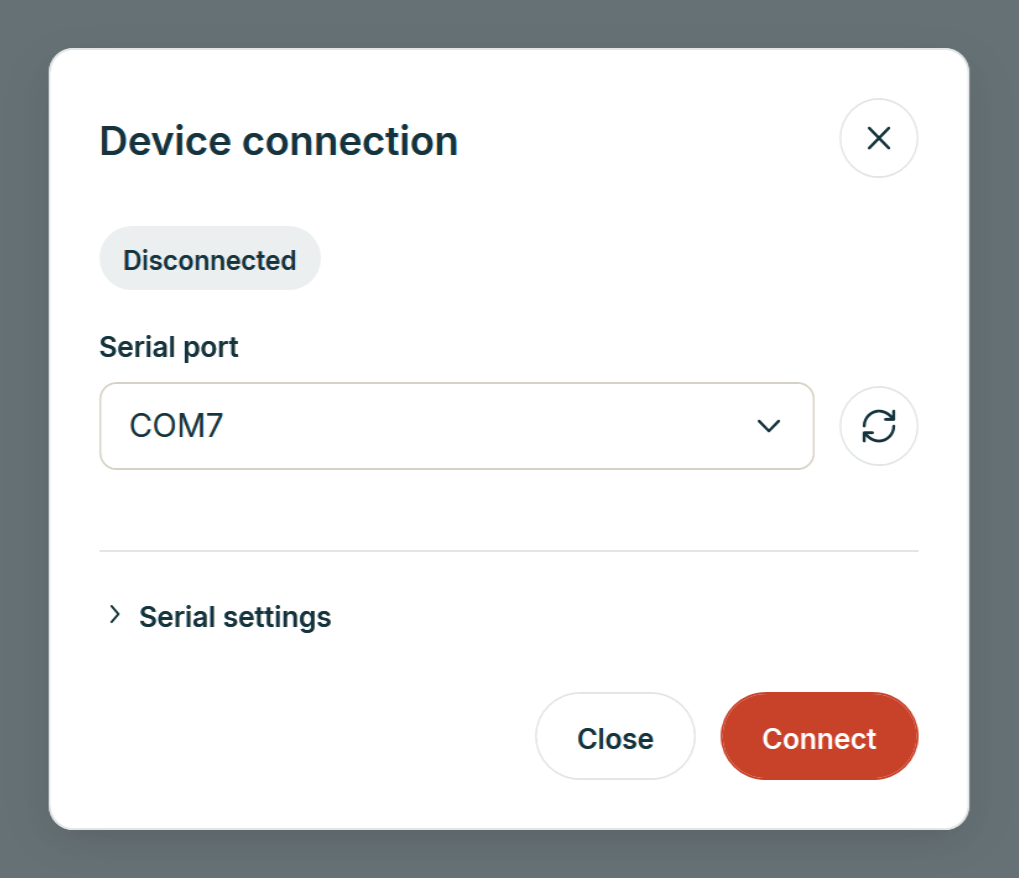
- In MuraLink choose that COM port and click Connect. The Overview shows the inputs with the active one highlighted, the master volume and the level meter, the health values (supply, temperatures) and the device line with the model, the board revision and the firmware version.
The next step is Check for updates. MuraLink works with every firmware
release from 26.6.2 on and shows n/a for what an older firmware cannot report
(Firmware compatibility).