Check for updates
JP150PCB 1.3PCB 1.4Jan PřibyslavskýThis page does not apply to the product or PCB revision chosen in the header.
The current firmware release is 26.10.1 (2026-10-18); the home page and Releases always show the current one. The module does not look for updates itself, and MuraLink does not either: you compare the installed version with this site.
Read the installed version
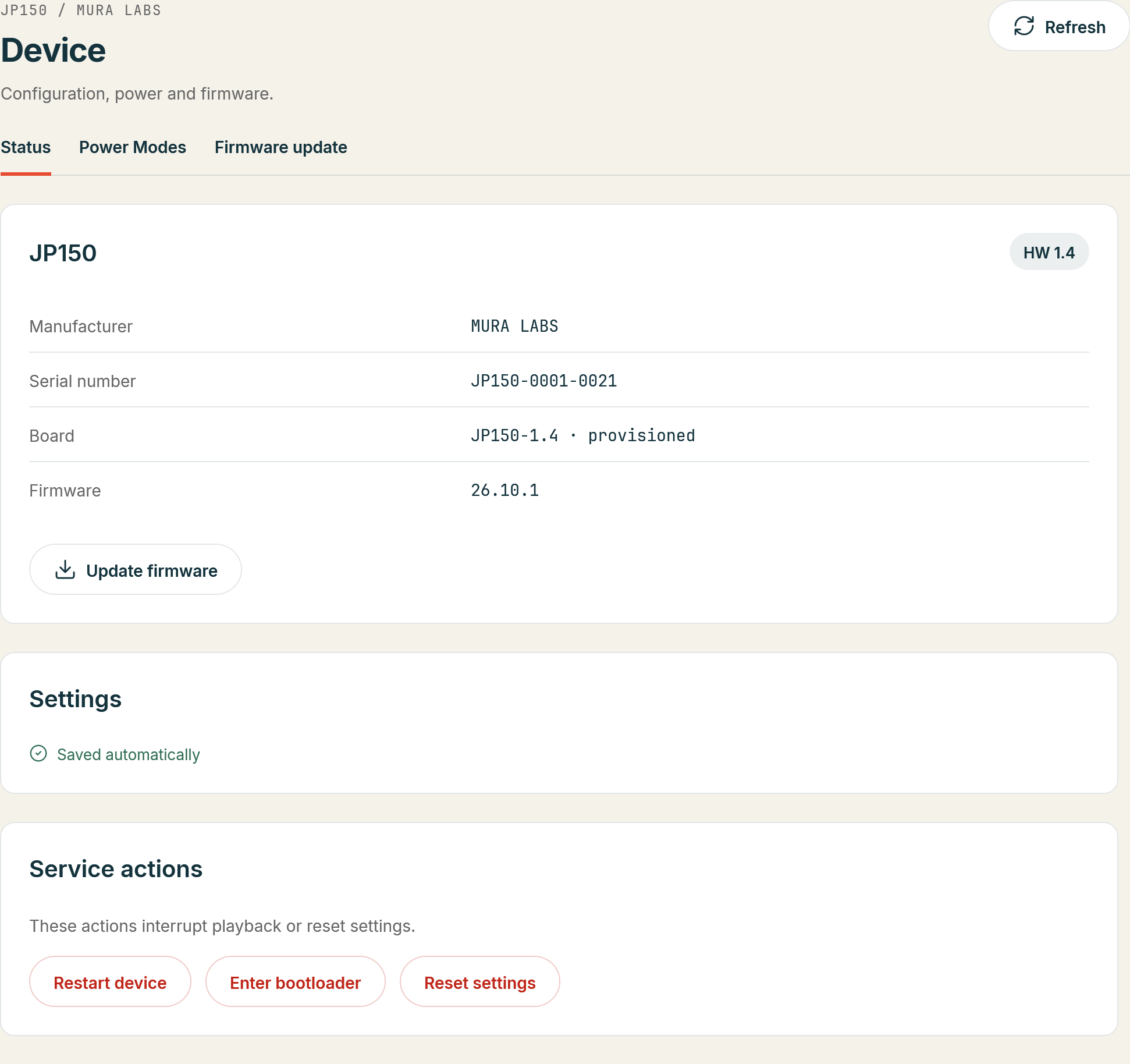
- MuraLink: the device line of the Overview shows the firmware version; Device > Status shows
it with the installed package's variant (release, special build or development) and Diagnostics
Software shows the full build descriptor.
- Over the control interface:
*IDN?answers the short version as its fourth field,SYS:VERSION?the full build descriptor, for example26.10.1 (release) built ...(Protocol explains how to send a command from a terminal).
Versions read yy.mm.r: year, month and a release number. A version with +dev is a development
build, not a release.
Compare and update
| Installed | What to do |
|---|---|
| 26.10.1 | Nothing; you run the current release. |
| 26.10.1 or newer, but older than 26.10.1 | Update with MuraLink: the update bundle of the current release, about a minute. |
| 26.8.0 or older (PCB 1.3) | The module cannot take an update bundle by itself. Contact support; the first update is arranged individually. |
Every PCB 1.4 module left the factory with 26.10.1 or newer. The release notes say what a release changes and which known issues it fixes, so you can decide whether an update matters for you. Updates keep the settings and the DSP program unless you choose to write the default program during the update.