Pages reference
JP150PCB 1.3PCB 1.4Jan PřibyslavskýThis page does not apply to the product or PCB revision chosen in the header.
MuraLink's window has a sidebar with seven sections; most sections have sub-tabs. The connection
pill at the top right opens the connection dialog in every state, and the footer shows the last
action's result, the autosave indicator (Saving..., Settings saved) and the application
version. A value the connected firmware cannot report reads n/a
(Firmware compatibility).
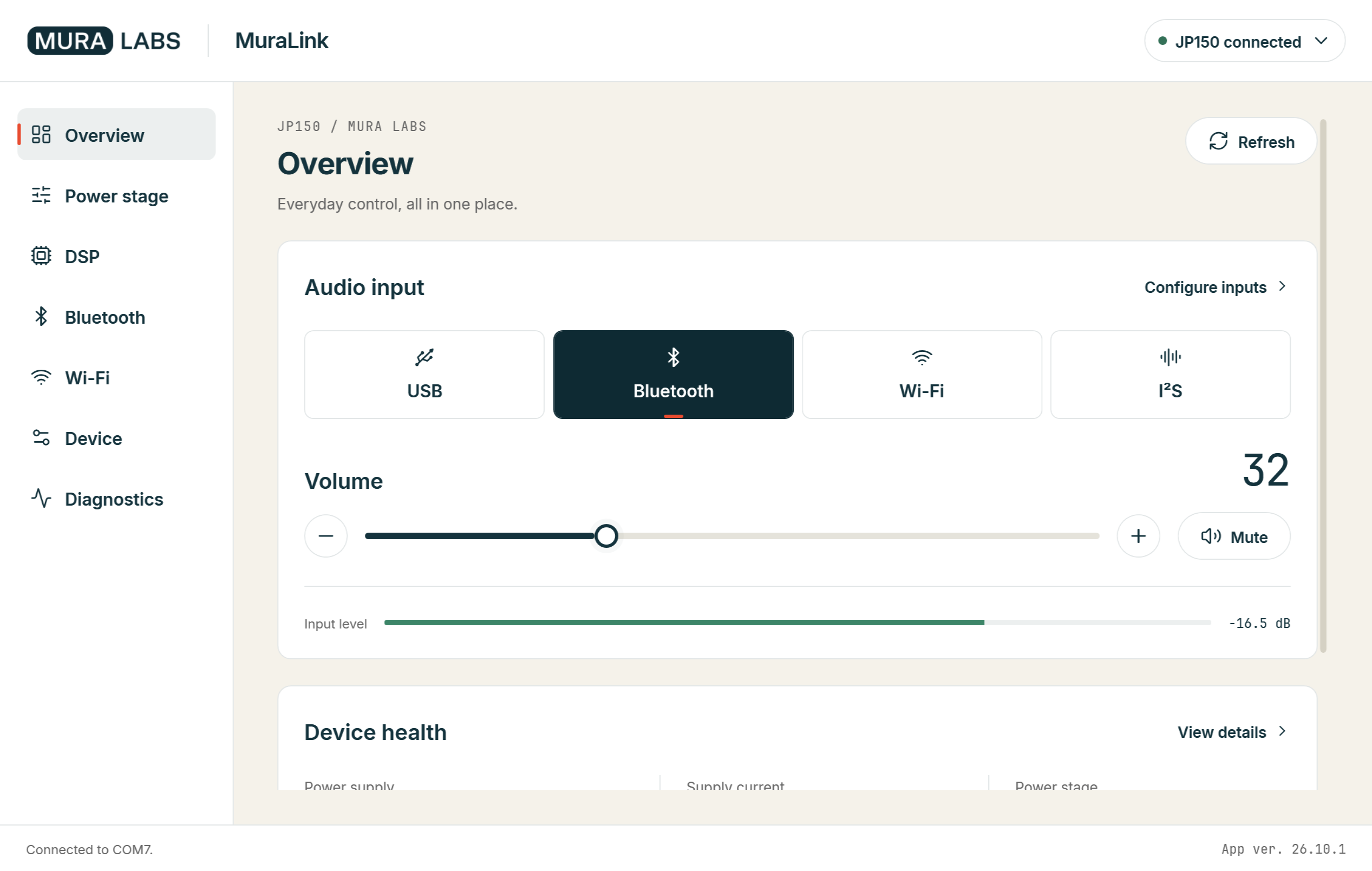
Overview
The home page: the six inputs as tiles with the active one highlighted (Configure inputs opens
the page with the enable check boxes, see Inputs and the enable mask),
the master volume with its mute, the level meter of the selected input, the health tiles with
supply voltage, current and power and the temperatures (View details opens the full list), and
the device line with model, board revision and firmware version. While no module is connected the
Overview shows a banner with Connect device and n/a everywhere.
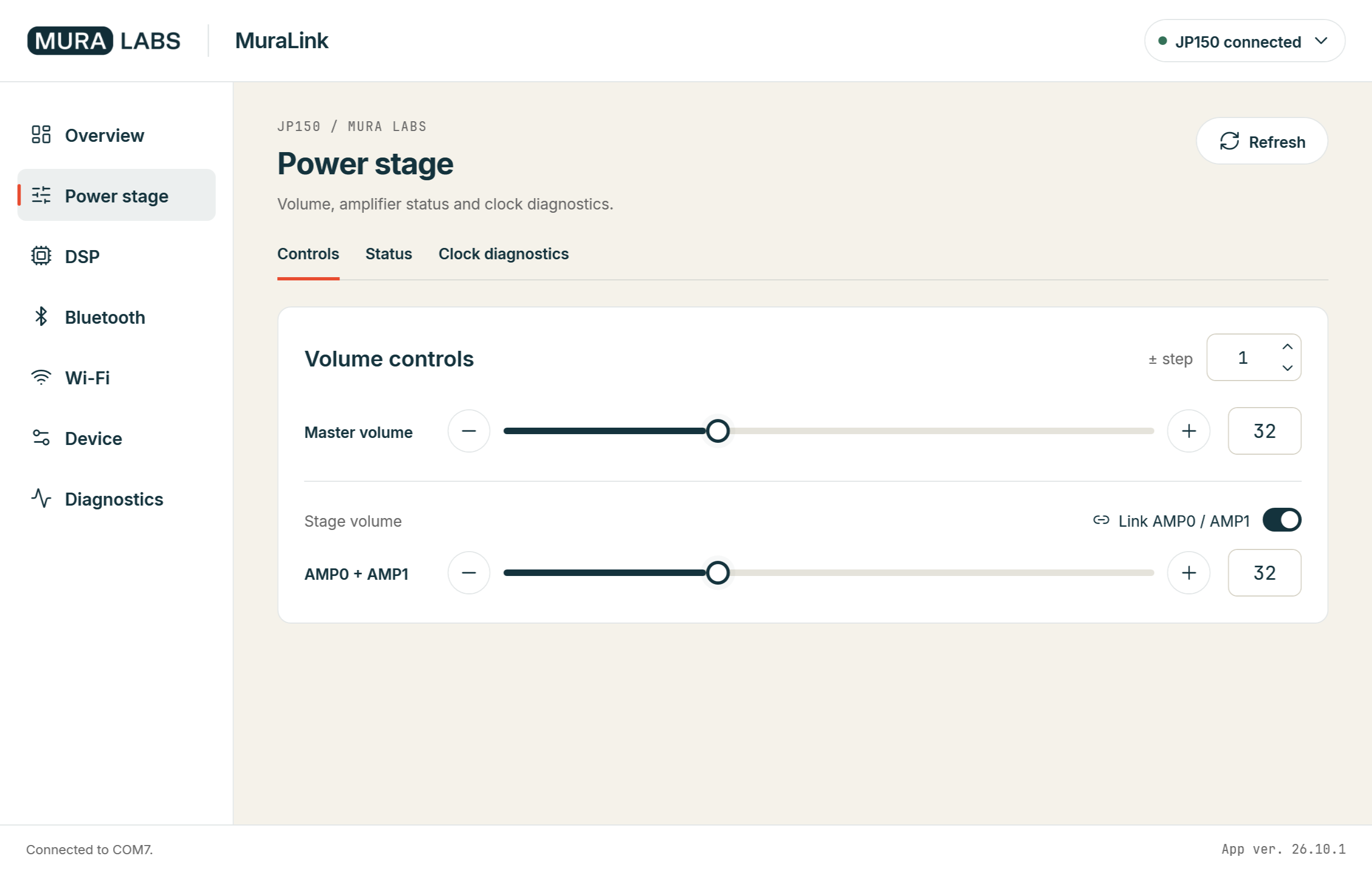
Power stage
| Sub-tab | Content |
|---|---|
| Controls | The volume of each power stage, hardware mute, reset and hold-in-reset, the clear of a latched fault |
| Status | Clipping, the decoded fault state and the latched fault of each power stage, the FAULT pin |
| Clock diagnostics | The clock and PLL registers of each power stage (AMP0:CLOCK?, AMP1:CLOCK?) |
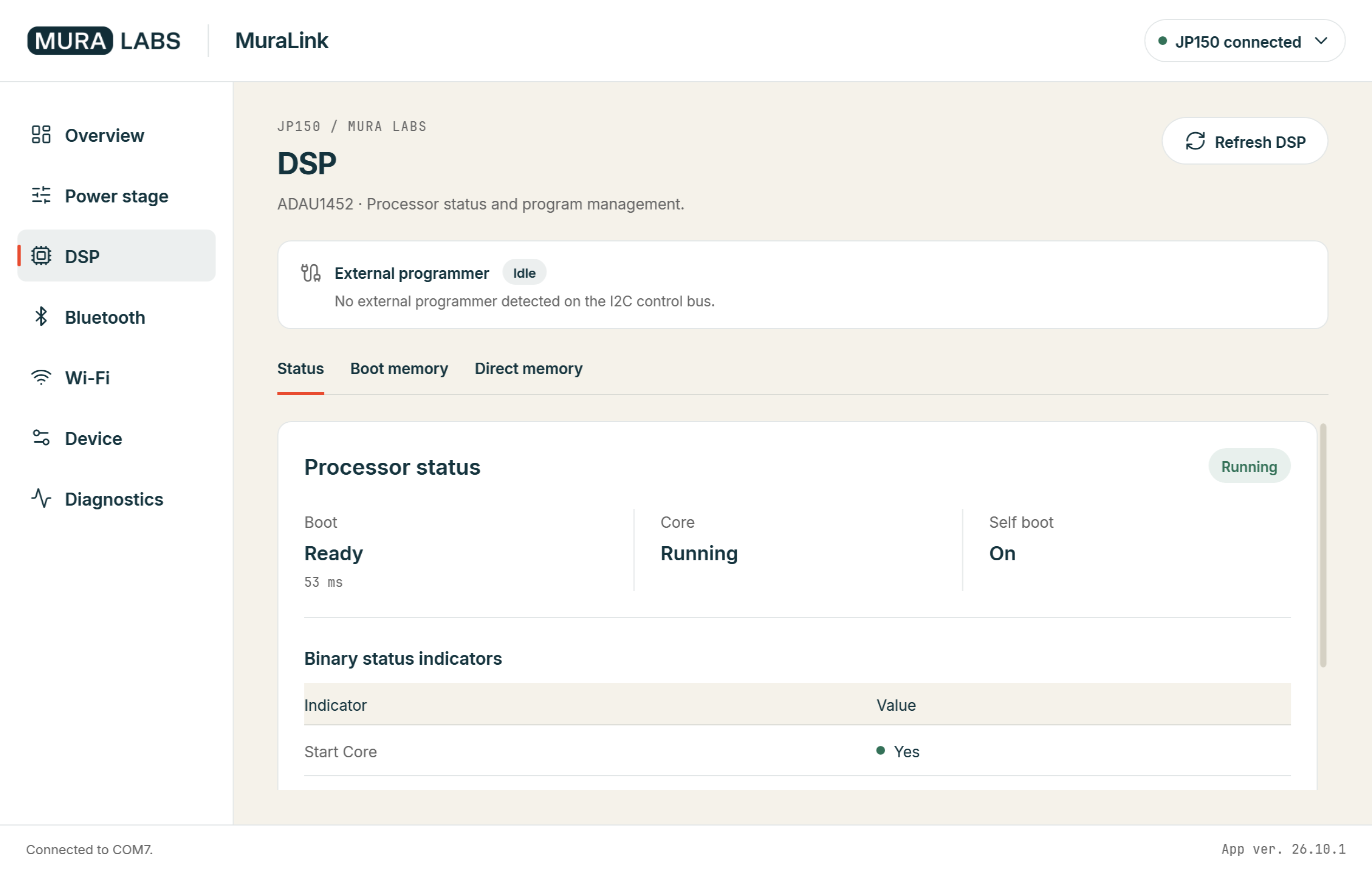
DSP
A strip above the pages shows whether an external programmer (SigmaStudio USBi) holds the DSP bus; while it does, the controls that write to the DSP are greyed (Programmer coexistence).
| Sub-tab | Content |
|---|---|
| Status | The processor status badge, the tiles Boot (state and boot time), Core (core status) and Self boot, the four binary status bits; in debug mode the panic code |
| Boot memory | Writing the DSP boot memory of PCB 1.4 from the update bundle or from an own export: Boot memory with MuraLink |
| Direct memory | The block write to a direct DSP address and the write through the IPAT (IPAT and parameters); both ask for a confirmation and affect the live audio path |
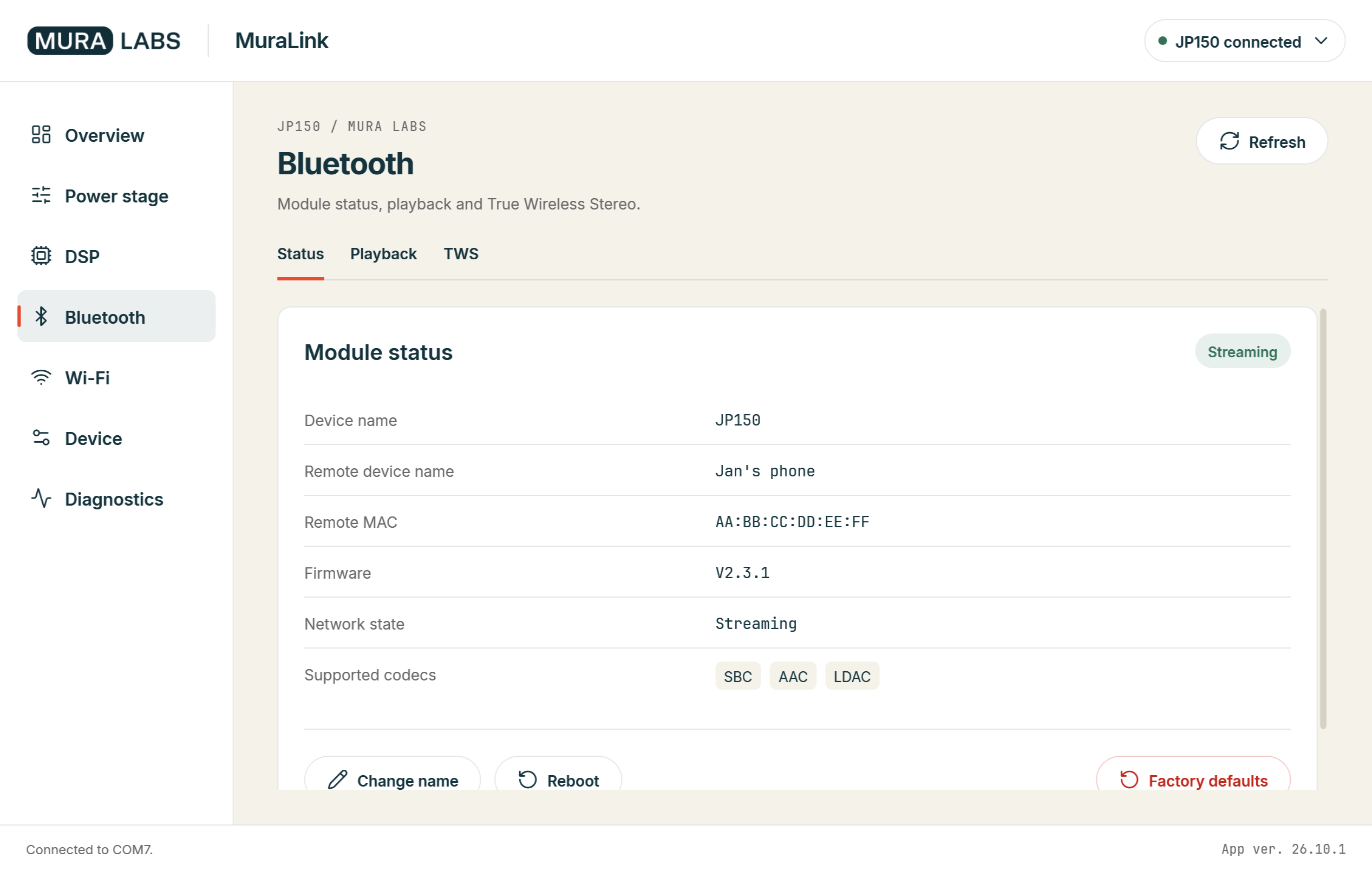
Bluetooth
| Sub-tab | Content |
|---|---|
| Status | The module's Bluetooth name (editable), firmware, the connected phone with its address, the link state, the active codec and the codec list |
| Playback | Playback state, title, artist, album, position and length |
| TWS | Capability, fallback role with Apply now, the live role, peer-link state and start outcome, the peer memory with Reconnect, Disconnect, Forget and Start New Pairing, and the command console: TWS controls in MuraLink |
Wi-Fi
| Sub-tab | Content |
|---|---|
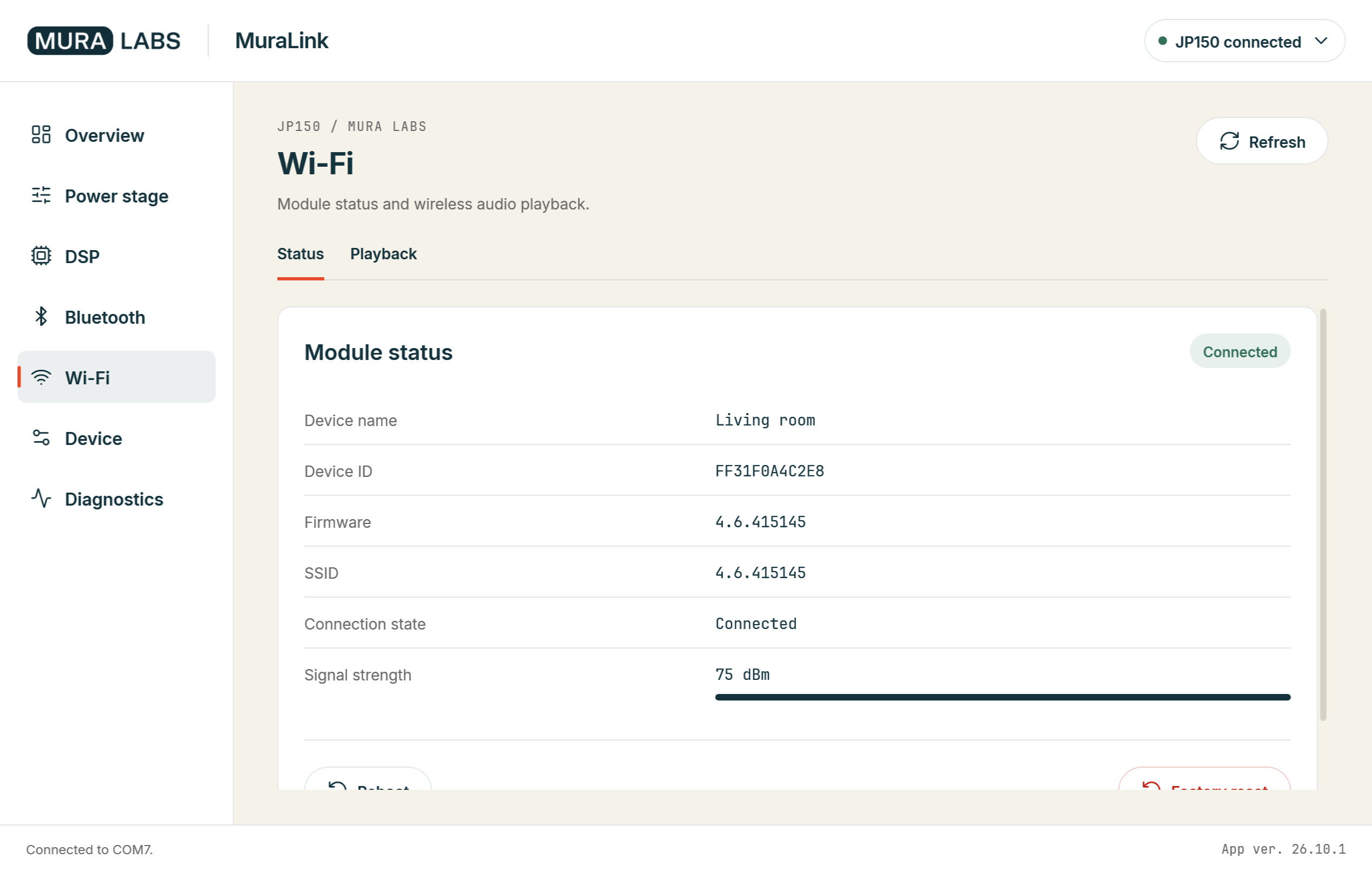
| Status | Device name, module release, network and signal strength, connection state |
| Playback | Playback state and mode, the module's input mode, title, artist, album, position and length |
The Wi-Fi module does not answer while the module is in STANDBY; the page shows n/a then.
Device
| Sub-tab | Content |
|---|---|
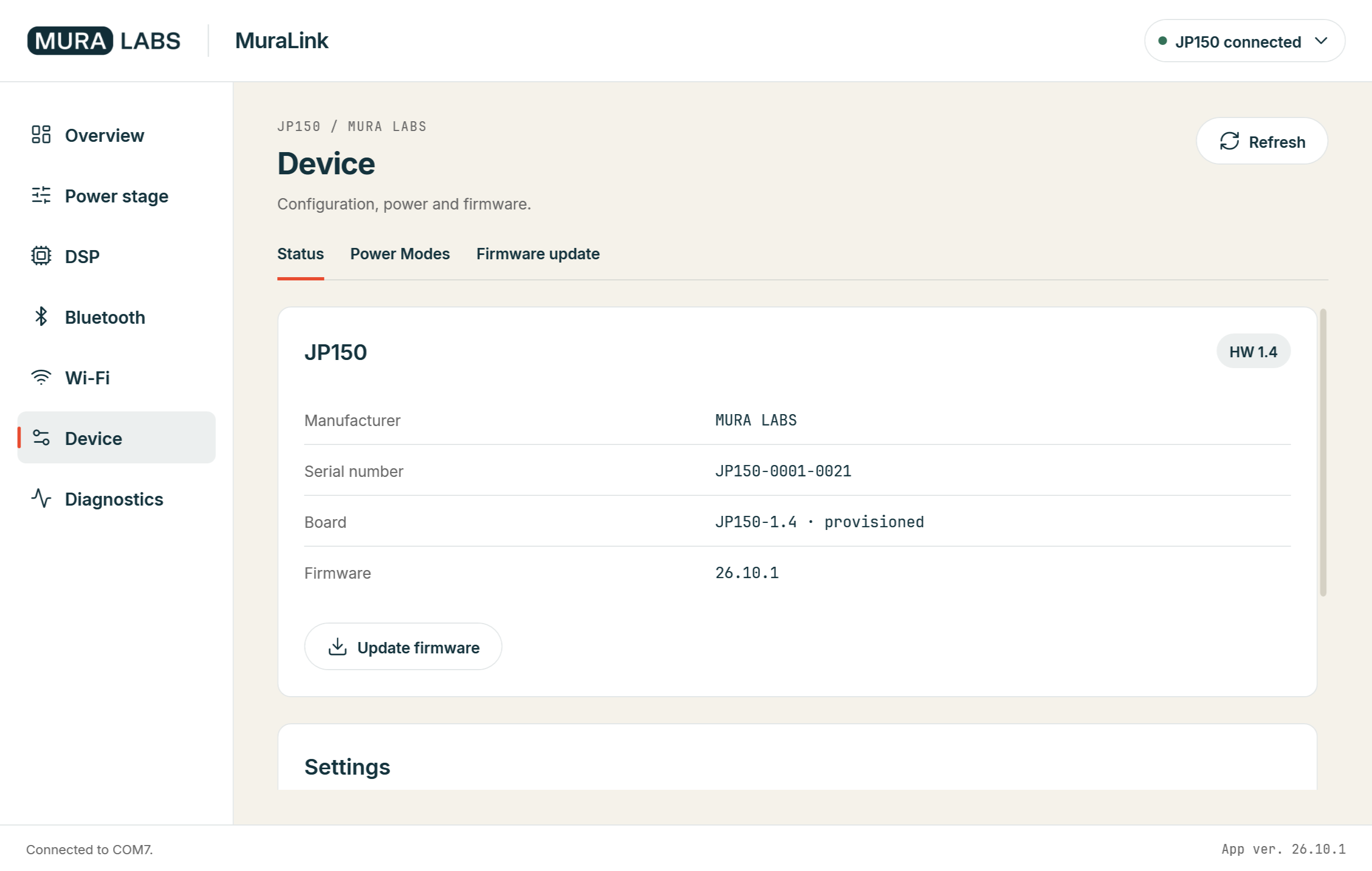
| Status | Identity (model, board type and revision, serial number, firmware and package variant), the autosave line (Saved automatically, or why not), the service actions Reset settings (SYS:NVM:DEFAULTS) and Restart device, and Update firmware |
| Power Modes | The power level with the manual switch, the automatic power-down (enable, target level, delay, threshold) with its countdown, and on PCB 1.4 the 12 V trigger (input level, mode, target, priority) |
| Firmware update | Open an update bundle, read the checks against the connected module, run the update and watch its phases; the list of units waiting in update mode: Update with MuraLink |
Diagnostics
| Sub-tab | Content |
|---|---|
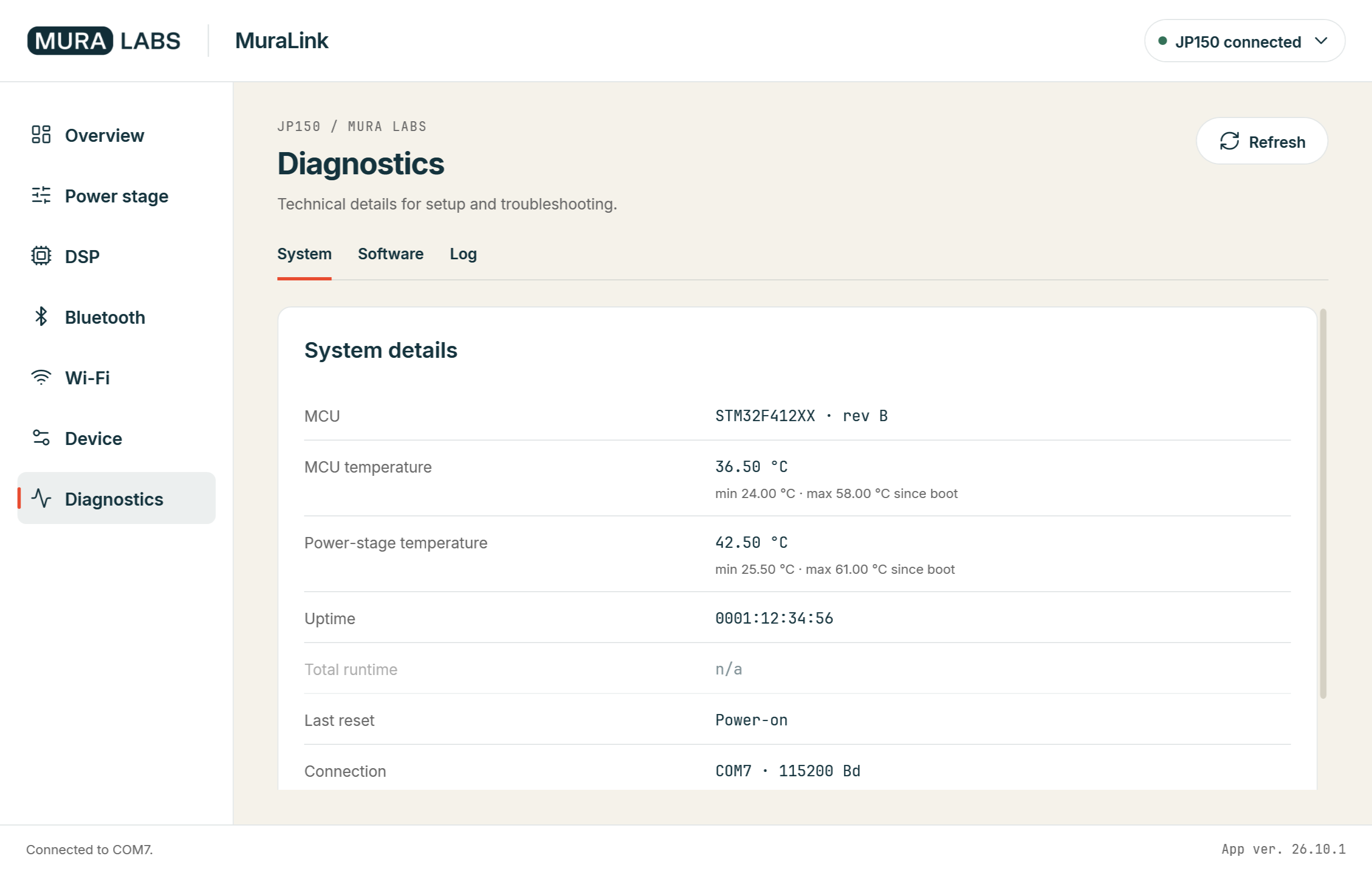
| System | Start-up diagnostics: the cause of the last reset, how the bootloader started the firmware, the rollback floor and the last update attempt, uptime, the kernel's heap figures |
| Software | The full firmware build descriptor, the installed package, the MCU type and revision, the protection state |
| Log | The traffic and events of this session, the same text that goes to the log file |
The commands behind every value are in the command reference.