Connect a phone
JP150PCB 1.3PCB 1.4Jan PřibyslavskýThis page does not apply to the product or PCB revision chosen in the header.
- Select the Bluetooth input on the module (the encoder button, the Bluetooth tile on MuraLink's
Overview, or
SYS:INPUT): the status LED turns blue and breathes calmly while no phone is connected. - On the phone, open the Bluetooth settings and connect to the module. The module appears under its Bluetooth name; how to read or change it is below.
- Start playback. The status LED is solid blue while the phone is connected without audio and shows a slow heartbeat while audio streams.
The module supports the SBC, AAC and LDAC codecs. A paired phone reconnects by itself when both are in range. For two modules playing together, see TWS: about and terms.
In MuraLink
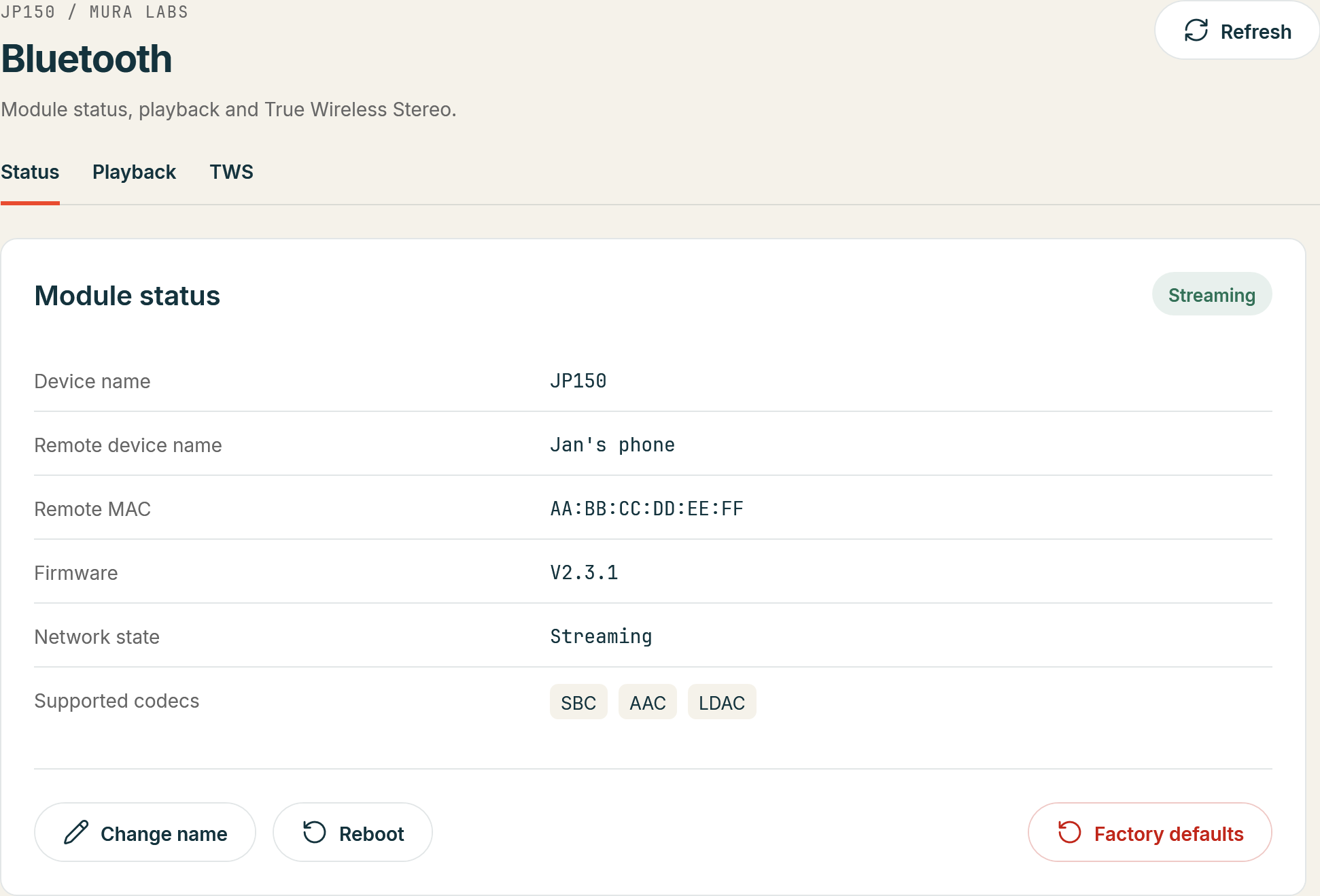
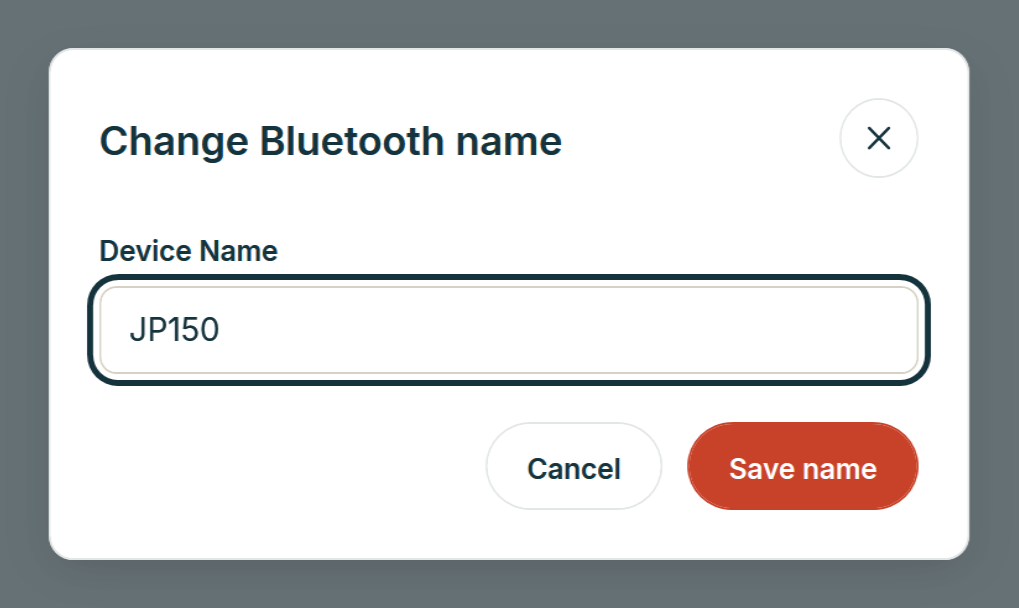
Bluetooth > Status shows the module's Device name, the Remote device name and address of the connected phone, the Network state and the Supported codecs; Change name opens a dialog for a new name (unaccented letters, digits and spaces). Bluetooth > Playback shows the Active codec, the playback state and the track.
Over the control interface
| Task | Commands |
|---|---|
| Bluetooth name | BT:DEVNAME?, BT:DEVNAME with the new name |
| Connected phone | BT:REMOTE:DEVNAME?, BT:REMOTE:MAC?, BT:NETSTATE? |
| Codecs | BT:CODEC:LIST? (supported), BT:CODEC:ACTIVE? (in use) |
| Playback | BT:PLAYBACKSTATE?, BT:TITLE?, BT:ARTIST?, BT:ALBUM?, BT:CURPOS?, BT:TOTLEN? |
The syntax and the answers are in the BT reference.