Settings and memory
JP150PCB 1.3PCB 1.4Jan PřibyslavskýThis page does not apply to the product or PCB revision chosen in the header.
This page explains what the module remembers across a power cycle, when it writes it, how you return it to the defaults, and what an update does with it.
What is stored
| Setting | Default | Set with | Kept by a settings reset |
|---|---|---|---|
| Master volume and the volume of each power stage | – | Encoder, MuraLink, AMP:VOL, AMP0:VOL, AMP1:VOL |
No |
| Selected input | – | Encoder button, MuraLink, SYS:INPUT |
Yes |
| Input enable mask | All six enabled | MuraLink Configure inputs, SYS:INPUT:ENABLE |
No |
| Automatic power-down: enable, target level, delay, threshold | Off, PWRSTAGE_OFF, 1800 s, 5 |
MuraLink Device > Power Modes, SYS:POWER:AUTO and its :MODE, :DELAY, :THRESHOLD |
No |
| DSP self boot | On | DSP:SELFBOOT |
No |
| 12 V trigger: mode, target, priority (PCB 1.4) | OFF, SLEEP, 1 |
MuraLink Device > Power Modes, SYS:TRIG:MODE, :TARGET, :PRIORITY |
No |
| TWS fallback role | Primary | MuraLink Bluetooth > TWS, BT:TWS:FALLBACKROLE |
Yes |
| Board identity | The factory record | Factory | Yes |
Three more things survive a power cycle but live elsewhere and are not touched by a settings reset: the Bluetooth name and the Bluetooth pairings (in the Bluetooth module), the Wi-Fi network (in the Wi-Fi module) and the DSP program (in the DSP's boot memory).
When a setting is written
The firmware writes a setting to the settings memory once it has stayed unchanged for a moment, so that a turn of the encoder is not written at every step:
| Settings | Written after |
|---|---|
| DSP self boot, the trigger settings | 0.1 s |
| Input enable mask, TWS fallback role | 1 s |
| Selected input | 2 s |
| Volumes | 3 s |
| Automatic power-down settings | 5 s |
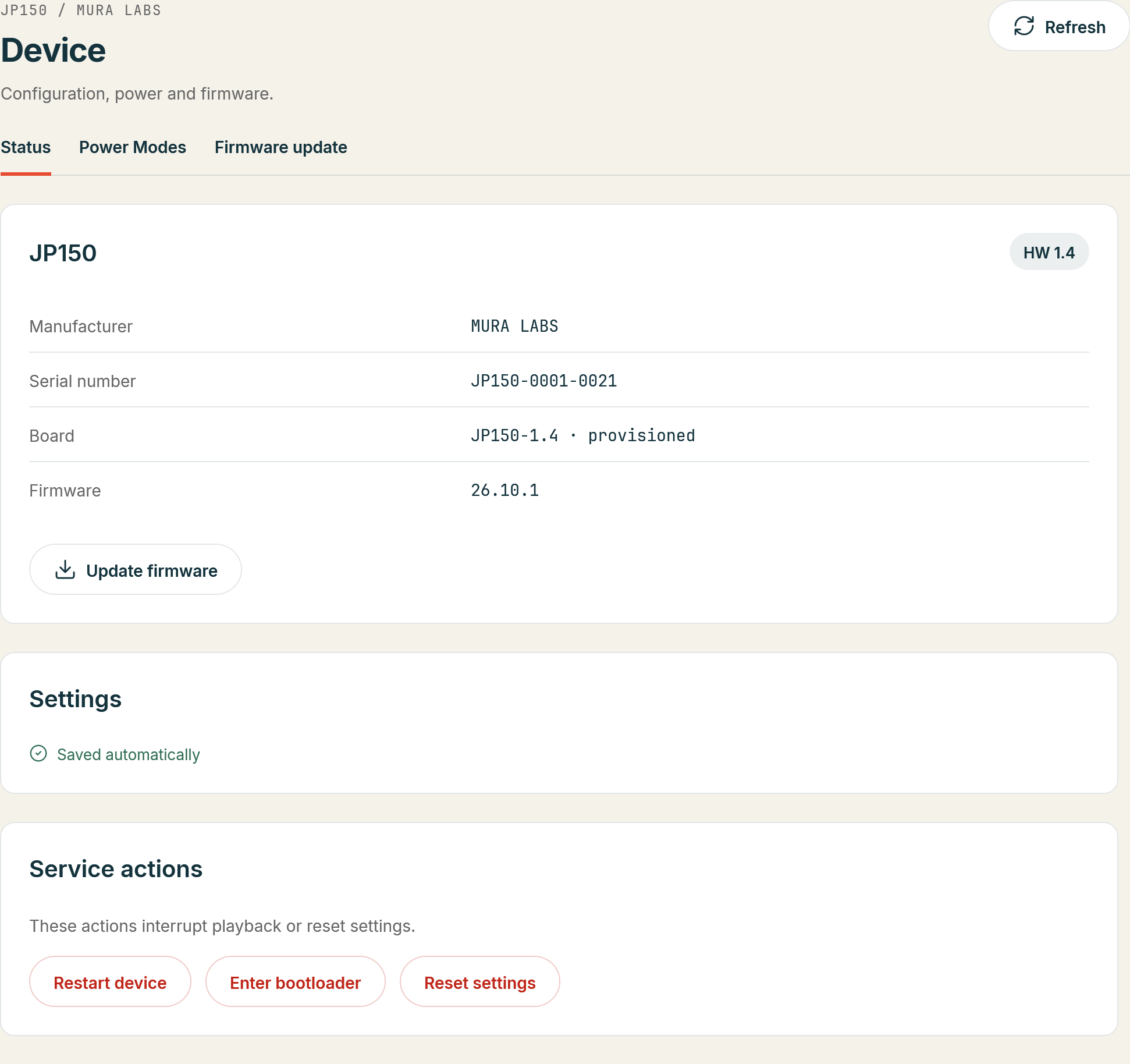
MuraLink's footer shows Saving... until the write is done and then Settings saved;
SYS:NVM:EEPROM:PENDING? answers 1 while a write is outstanding. A restart (*RST), the entry
into update mode and the settings reset write pending changes first, so a change made right before
them is not lost. since 26.10.1
At start the firmware reports how the settings memory came up (SYS:NVM:EEPROM:STATE?; MuraLink
shows it on Device > Status): OK means the settings were restored; NODATA means the memory was
empty or held an older layout, the defaults and the backup copy are in use and the autosave fills
it; ABSENT or ERROR means a fault, and nothing is saved in that session.
Reset to the defaults
A settings reset returns the settings marked "No" in the table above to their defaults and restarts the module: the volumes, the enable mask, the automatic power-down, the DSP self boot and the trigger settings. The selected input, the TWS fallback role and the board identity stay, and so do the Bluetooth and Wi-Fi pairings and the DSP program. The outputs are muted until the module has restarted, which takes a few seconds. since 26.10.1
- In MuraLink: Device > Status, Reset settings under Service actions, and confirm.
- Over the control interface:
SYS:NVM:DEFAULTS, answered withSYS:NVM:DEFAULTS:OKbefore the restart (SYS:NVM reference).
Settings across updates
A firmware update keeps the settings. The first start of 26.10.1 after 26.8.0 is the one exception:
the settings memory changed its layout, and the stored settings are rebuilt once. The input enable
mask, the automatic power-down and the then new settings (self boot, trigger) start from their
defaults; the volumes, the selected input and the TWS fallback role are kept. SYS:NVM:EEPROM:STATE?
answers NODATA on that first start and OK from the next one.
Older firmware
Firmware 26.6.2 kept the volumes, the input and the Bluetooth role in flash only, written by a command; MuraLink offers Save to flash on such a module. From 26.7.0 on the settings memory and the autosave described here are in use (Firmware compatibility).